
Browse beautiful responsive HTML templates for Gmail,
choose your favourite ones and customize them with drag and drop. No coding skills required!
As one of the most popular email service providers in the world, it is important that when sending emails to and from Gmail accounts, they render beautifully regardless of the device or email client. Beefree makes that happen.
With the Beefree Gmail connector, get access to thousands of responsive HTML templates, use our drag-and-drop editor to customize them, and effortlessly export with one click.
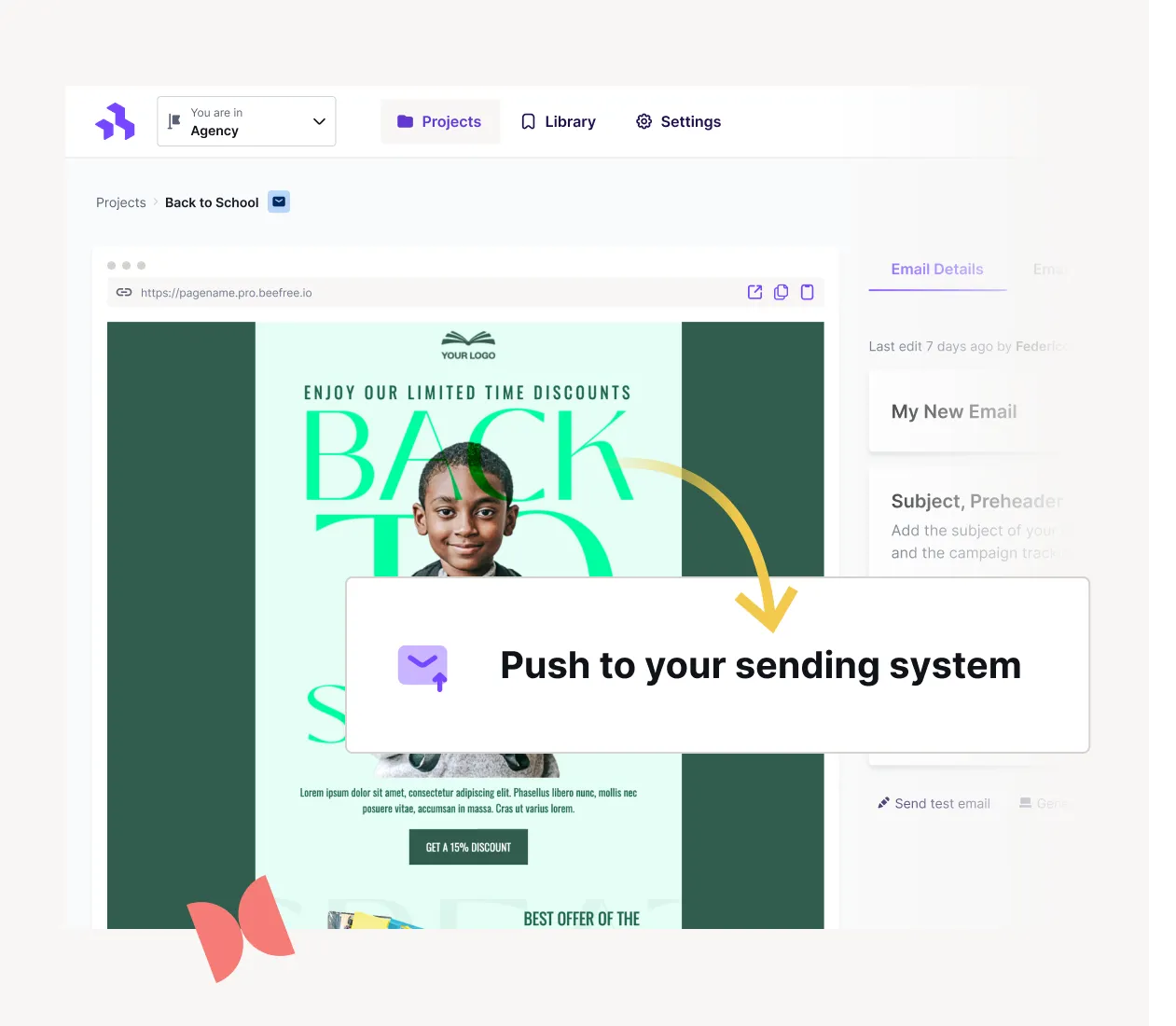
Using an intuitive drag-and-drop builder like Beefree for your Gmail email designs allows you to save time without sacrificing design.Beefree’s drag-and-drop functionality allows anyone to effortlessly design emails with no coding or design skills needed.
The Beefree catalog has thousands of customizable mobile-responsive templates for Gmails that have been tested and optimized for conversion. Whether you’re promoting a new product, sending your monthly newsletters, or sending invites to a webinar - Beefree Gmail templates are ready-to-go.
Easy - just download the Beefree Gmail Add-on for access to templates without a Beefree account or create an account for unlimited templates and access to the drag-and-drop editor, collaboration features, and more!
Our Beefree Gmail template extension gives you access to sleek, professionally-designed email
templates that you can use within your Gmail account.
Install the Beefree Templates for Gmail Add-on in the G Suite Marketplace. Once downloaded, you'll see the Beefree icon in the right-hand sidebar of your inbox. This allows you to use Beefree and Gmail in conjunction to design emails with ease. Start from scratch or choose one of our thousands of templates and then easily export to Gmail. Just copy the URL on the Beefree details page and paste it into the Gmail extension by clicking on the Beefree icon
The Beefree Gmail extension is available to use even if you don’t have a Beefree account. Although you don’t have the same drag-and-drop capabilities offered on our builder with this extension, you still have access to a wide range of templates you can customize with your text and images.
Once you create your Beefree account, activate the Gmail connector for unlimited design flexibility and easy export options to Gmail.
From your Beefree account, go to “Settings” and then “Connectors.” Find the Gmail icon and sign into your Gmail account when prompted, giving Beefree permission to integrate with your Gmail account.
And that’s it! Enjoy the freedom Beefree offers, like our thousands of customizable templates, collaboration features, integrated workflows for Enterprise plans, and more. Then export with just one click to your Gmail account!